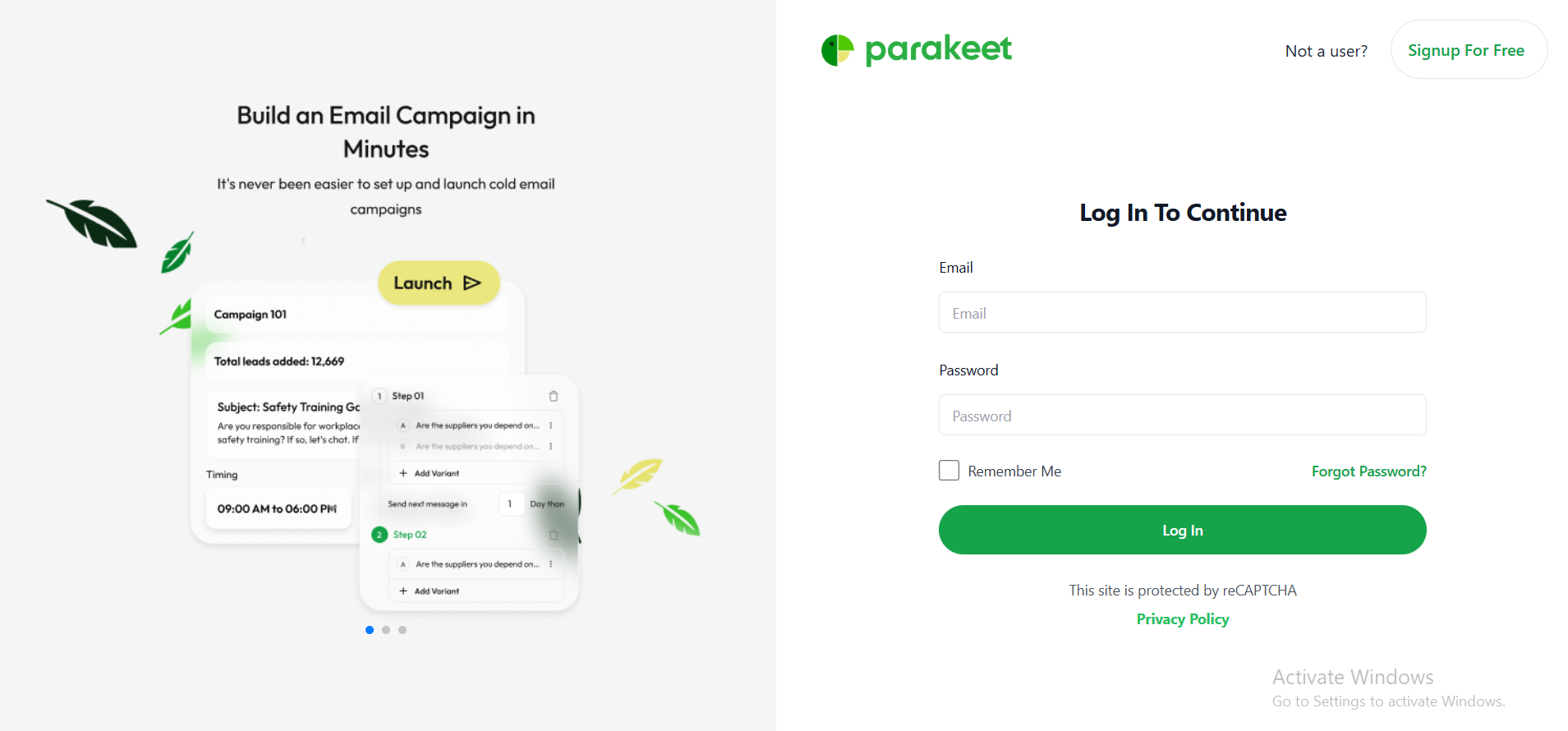
Login Page
1. Login Flow
Purpose
This flow allows existing users to securely access their Parakeet dashboard and campaign tools by logging into their accounts.
Flow Steps
-
The user navigates to the login page:
auth/login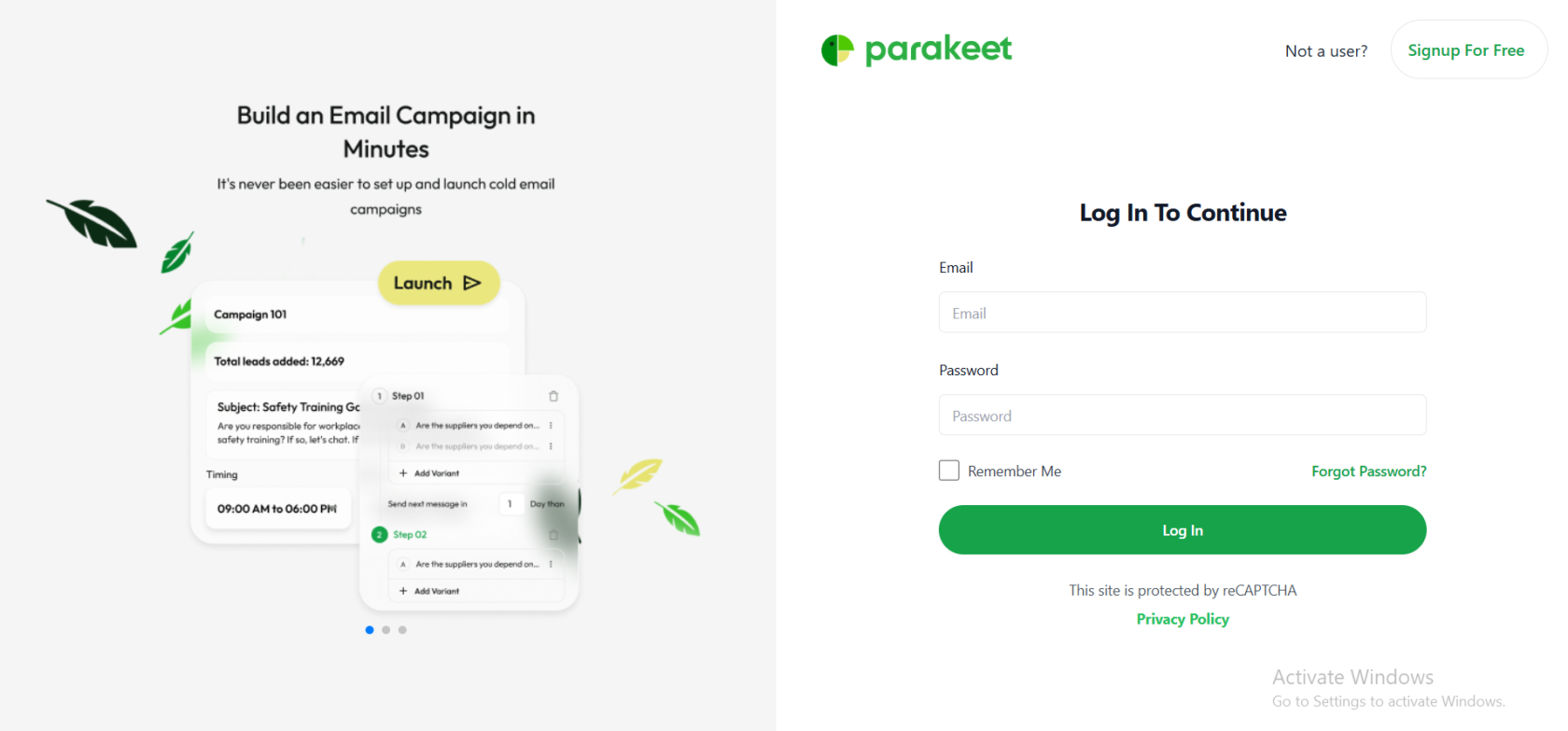
-
The user is prompted to enter the following credentials:
-
Email address
user@example.com -
Password
******** -
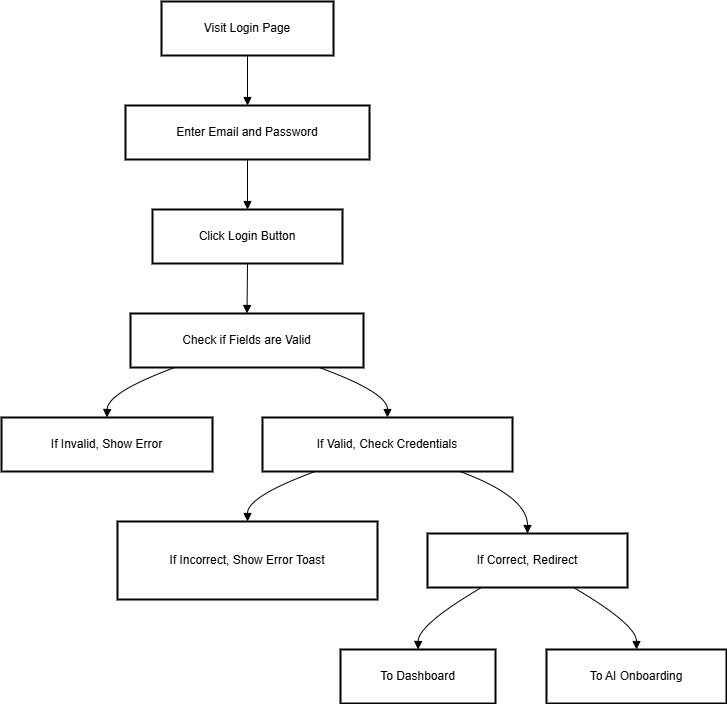
After entering valid credentials, the user clicks the Login button.
-
-
The system verifies the credentials:
-
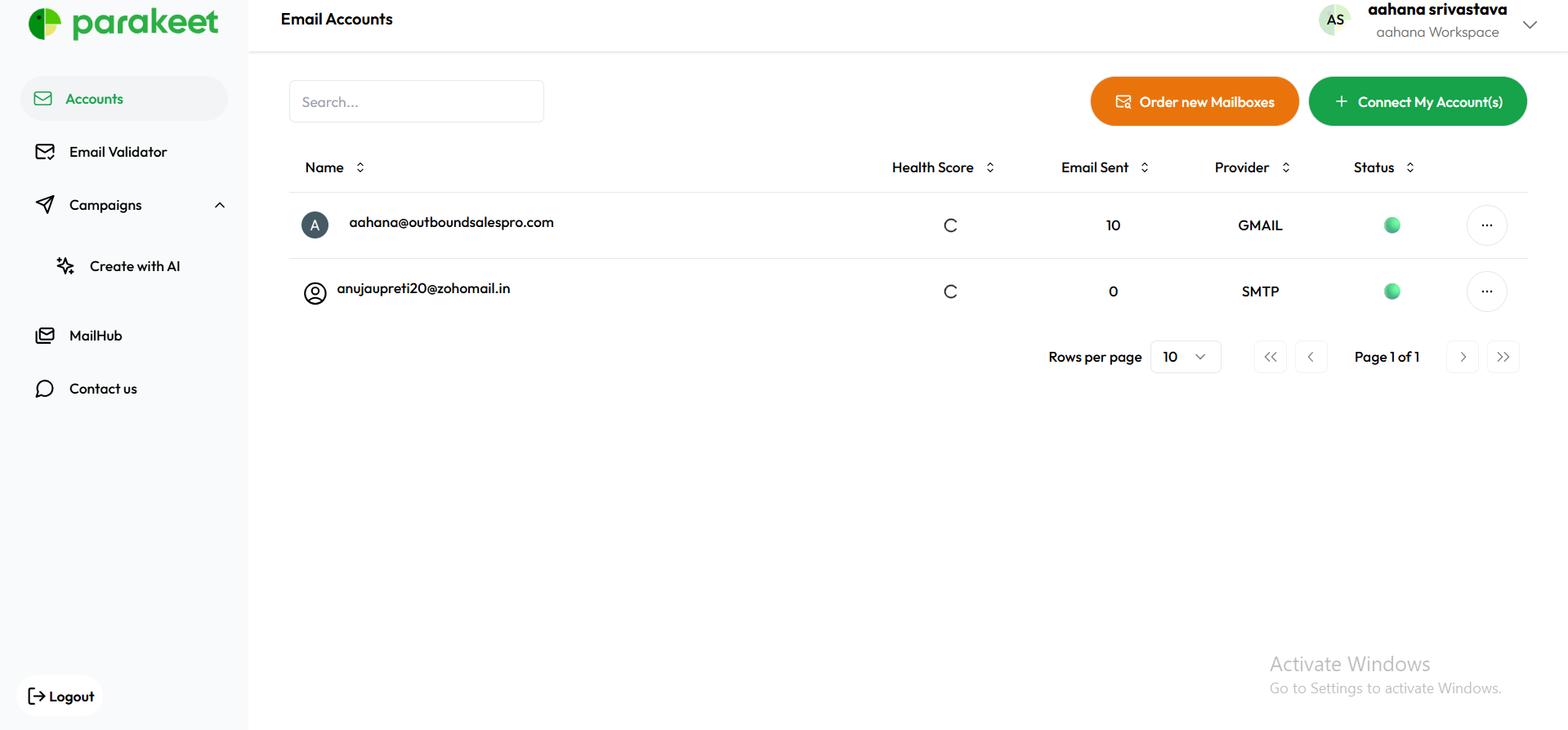
If valid, the user is redirected to:
/dashboard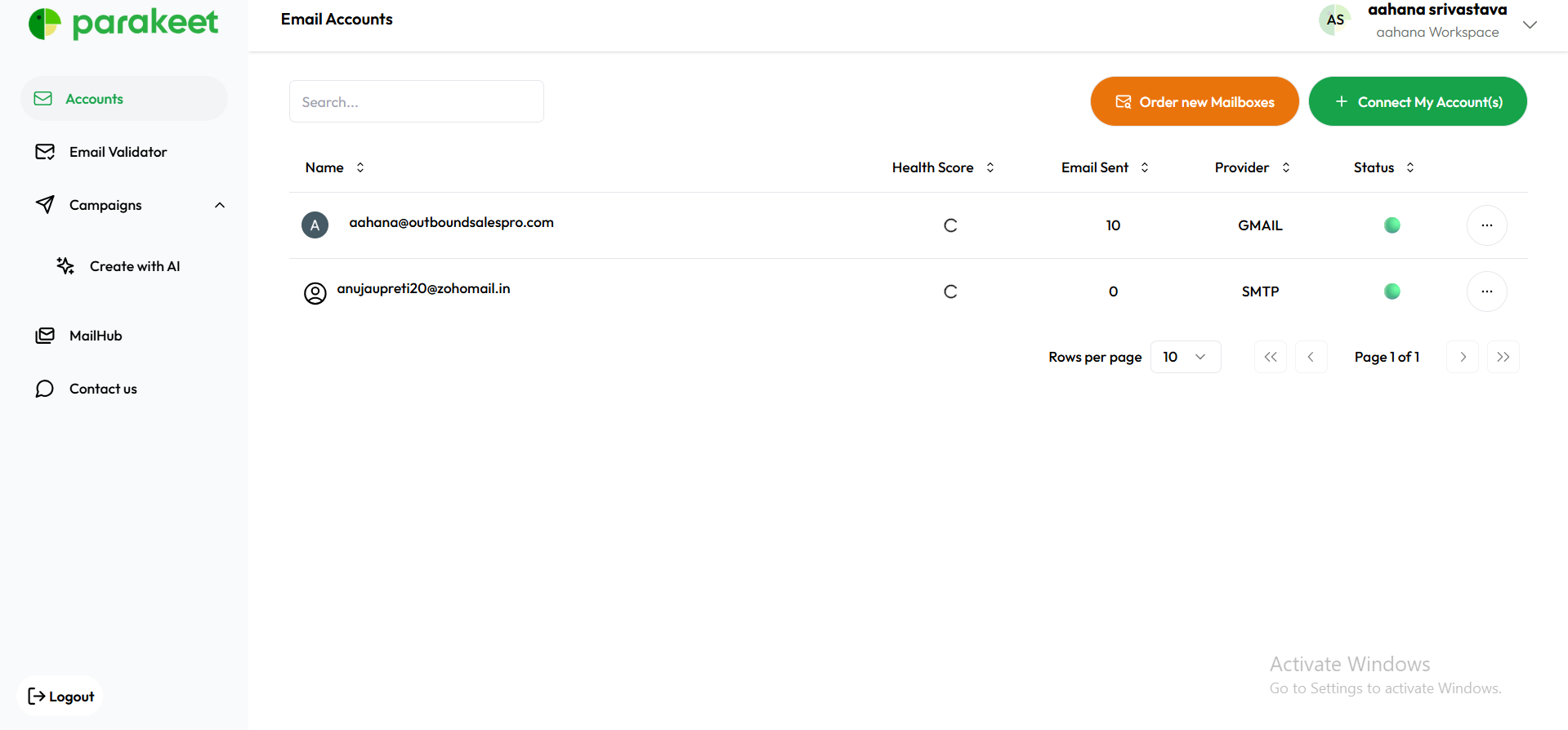
-
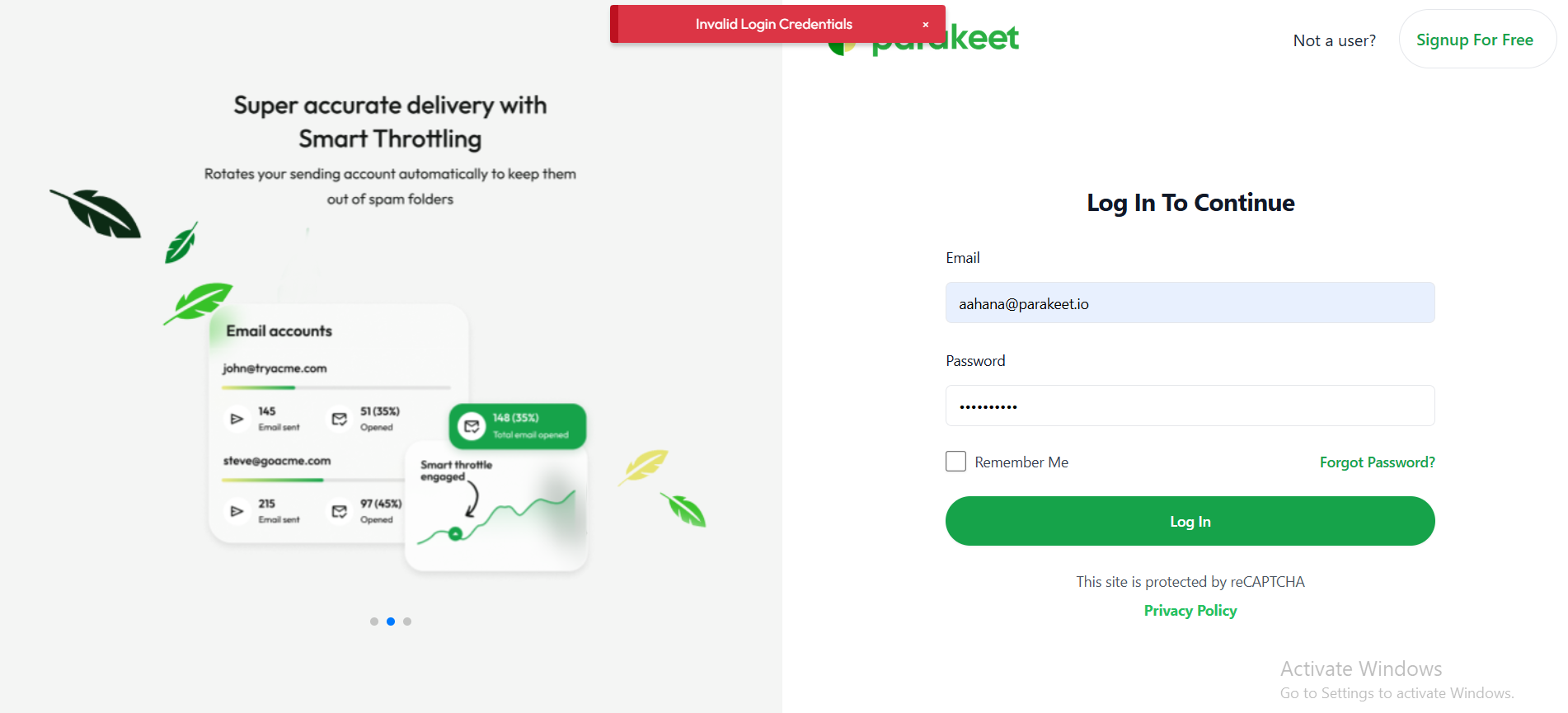
If invalid, an error notification is displayed:
"Invalid credentials. Please try again."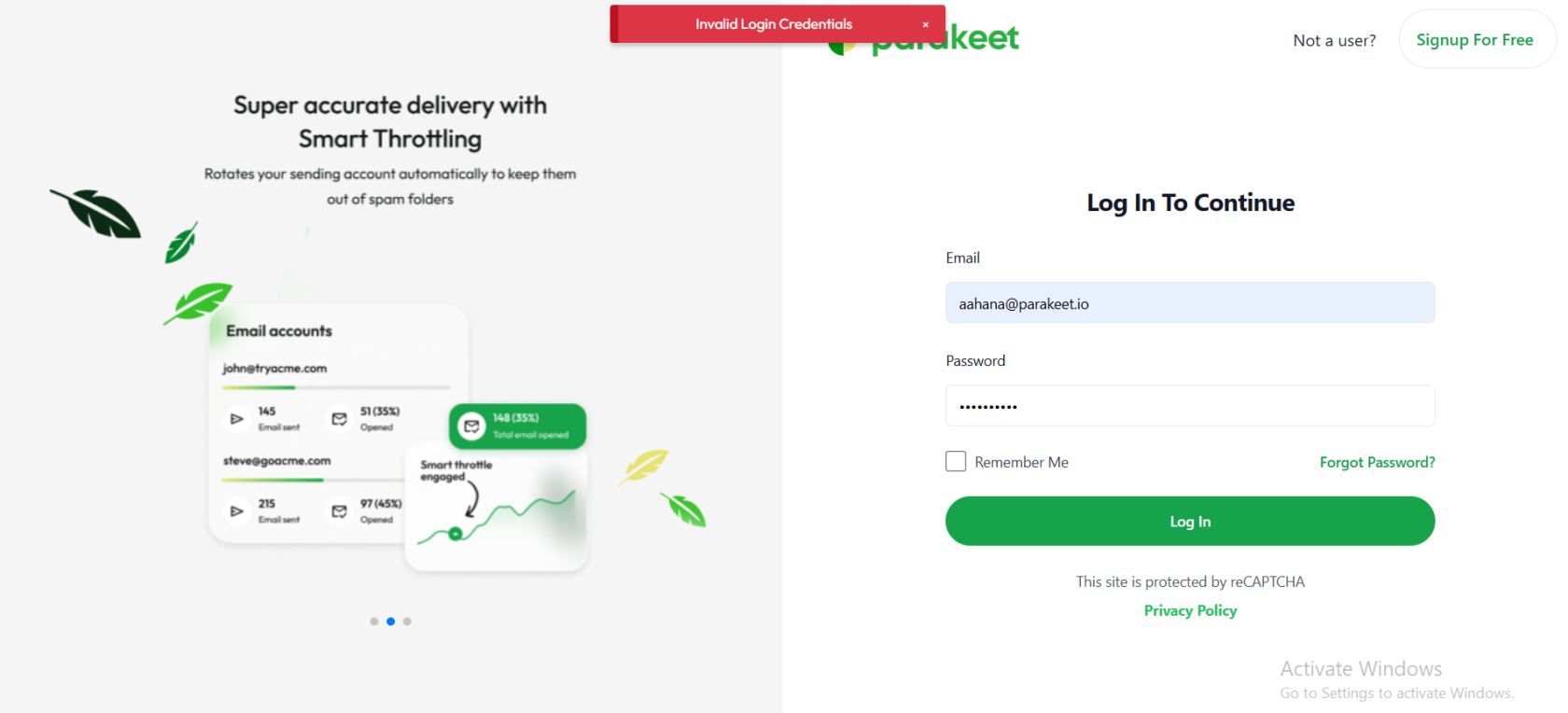
-
-
Depending on the context or prior user action, the user may be redirected to:
-
The Dashboard (if the user has an active account)
-
The AI Campaign Onboarding flow (if triggered from a specific call-to-action or post-signup step)
-