
Signup Page and Onboarding flow
3. Sign-Up Flow
Purpose
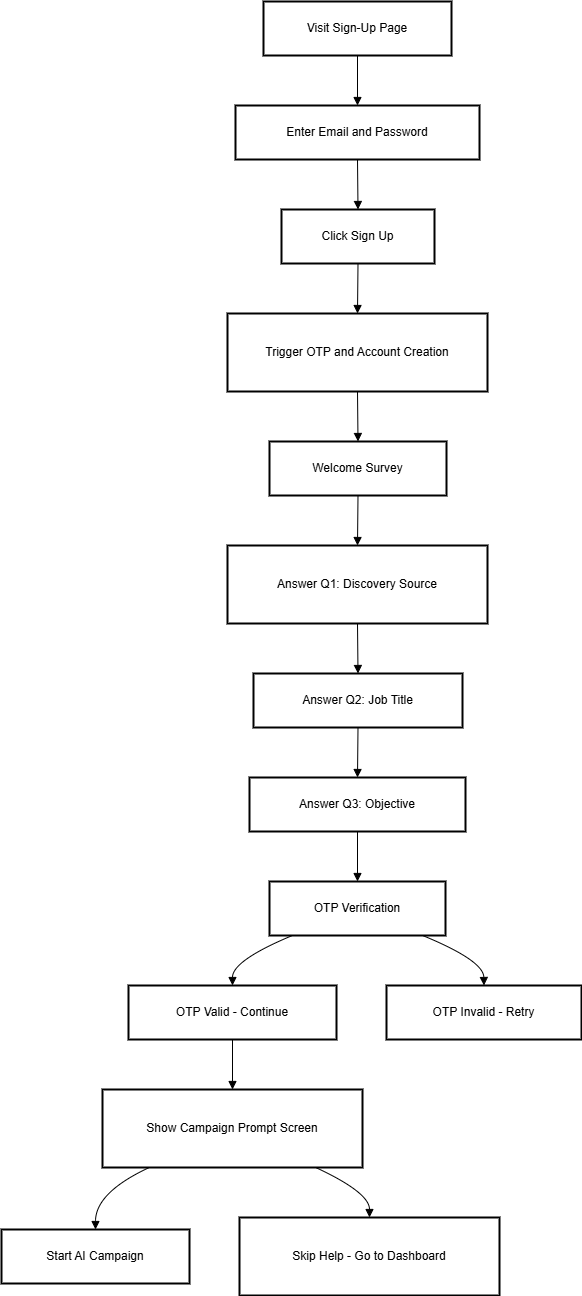
The sign-up flow registers new users and initiates a personalized onboarding sequence, guiding them toward setting up their first campaign effectively.
Flow Steps
-
The user visits the Sign-Up Page:
/signup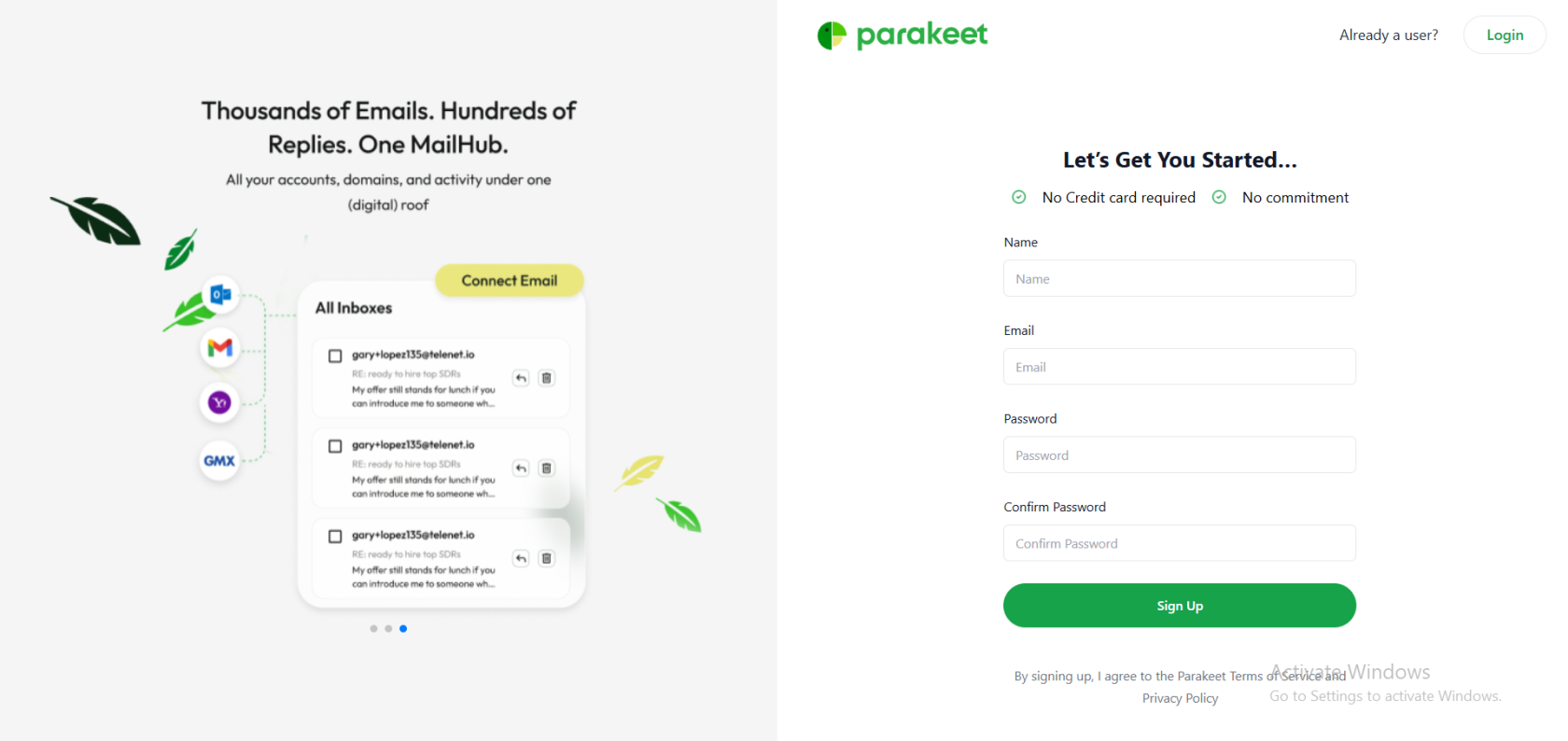
-
The user is prompted to enter:
-
A valid email address
-
A secure password
-
-
The user clicks on the Sign Up button.
-
System triggers the following actions:
-
New account creation
-
Automatic transition into the onboarding sequence
-

Onboarding Sequence (Post Sign-Up)
Step 1: Welcome Survey
Purpose: To collect user context and personalize the experience.
Questions include:
-
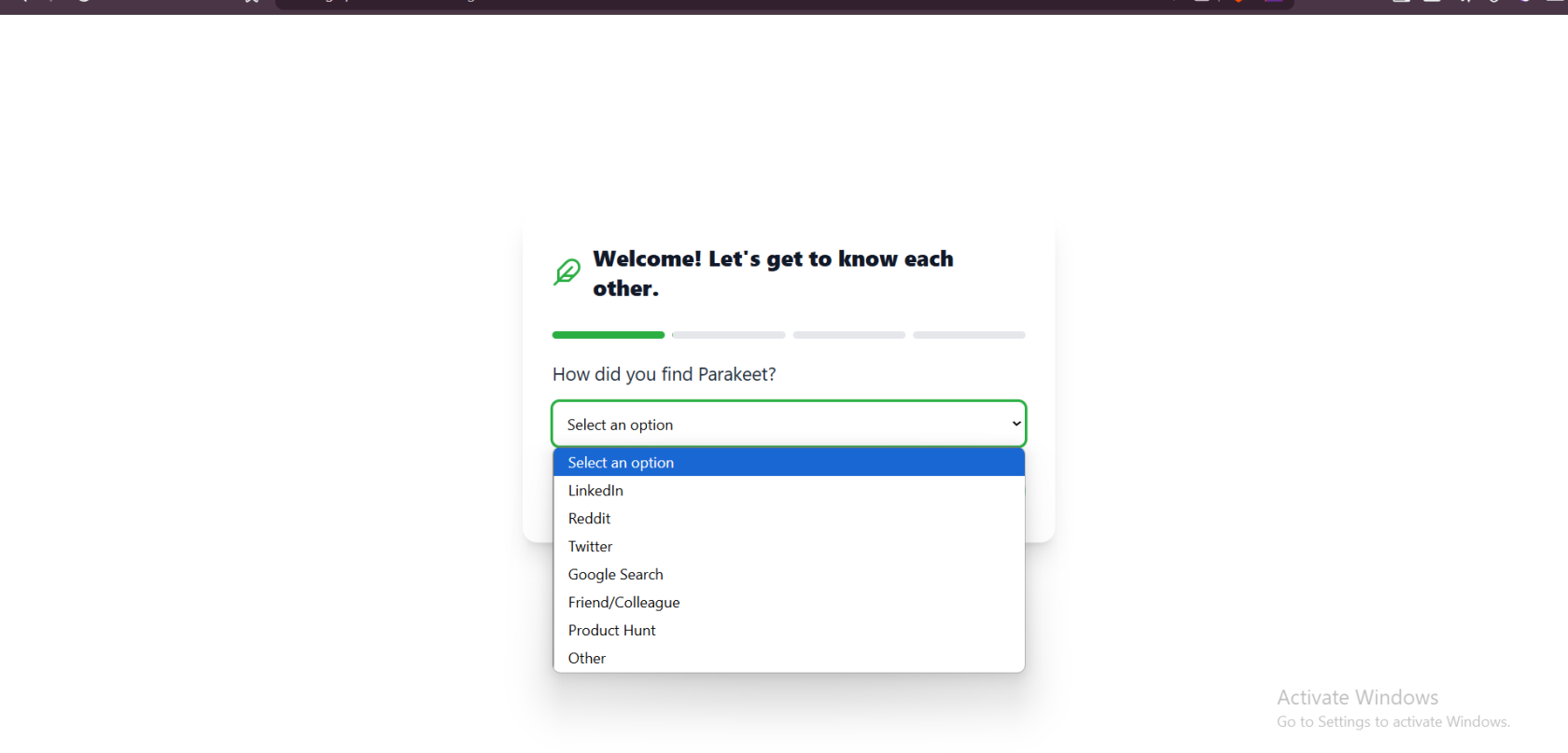
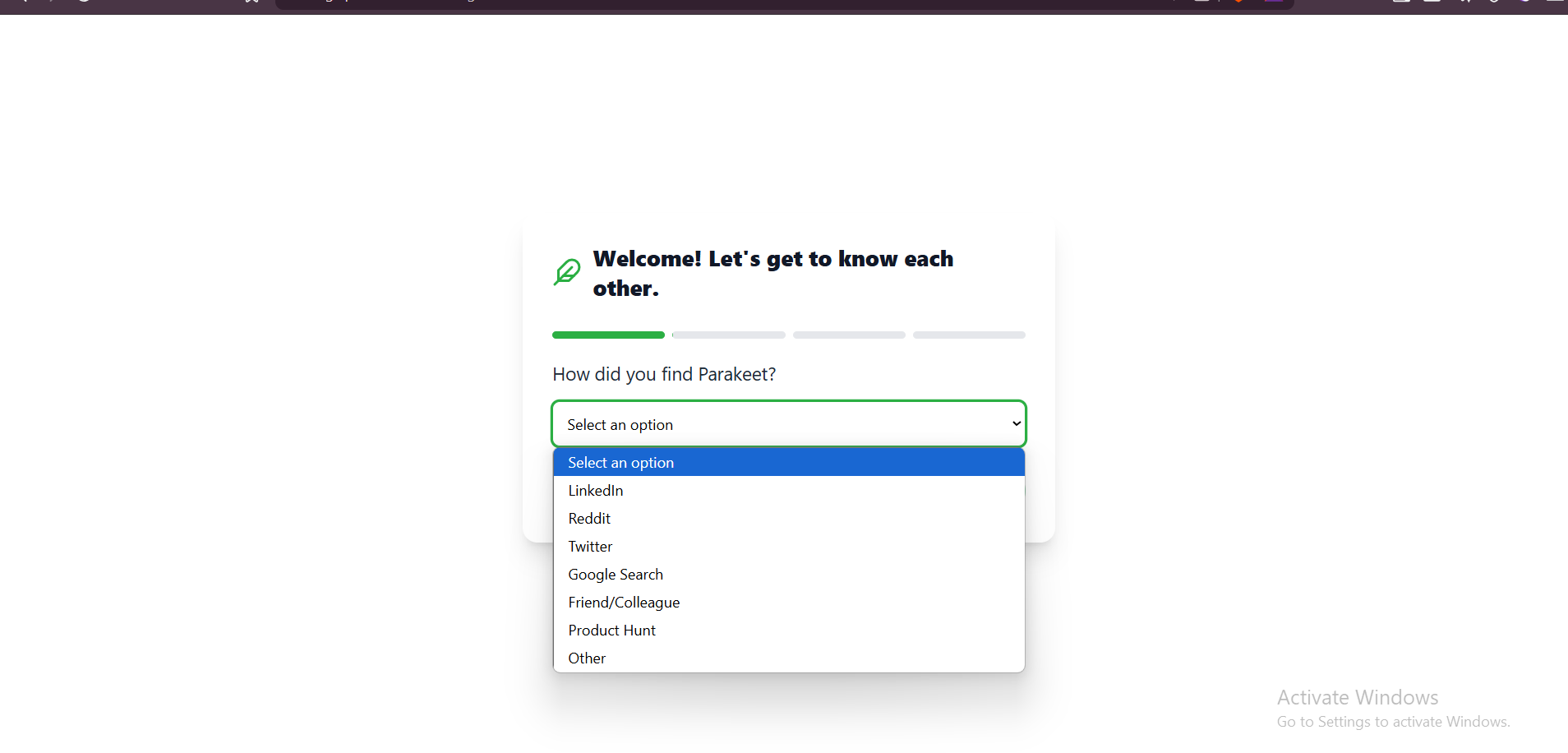
Q1: How did you find Parakeet?
Options:-
LinkedIn
-
Reddit
-
Twitter
-
Google Search
-
Friend/Colleague
-
Product Hunt
-
Other (Manual Entry)

-
-
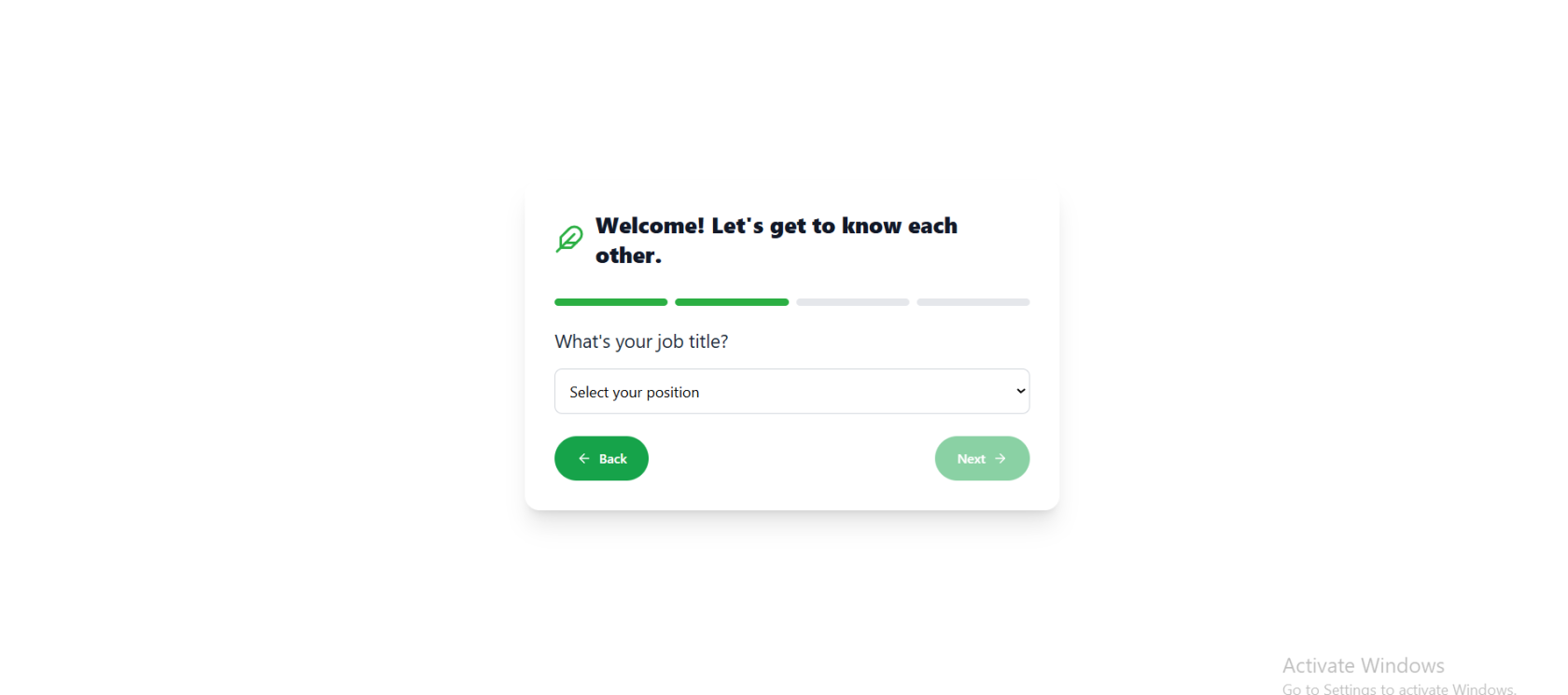
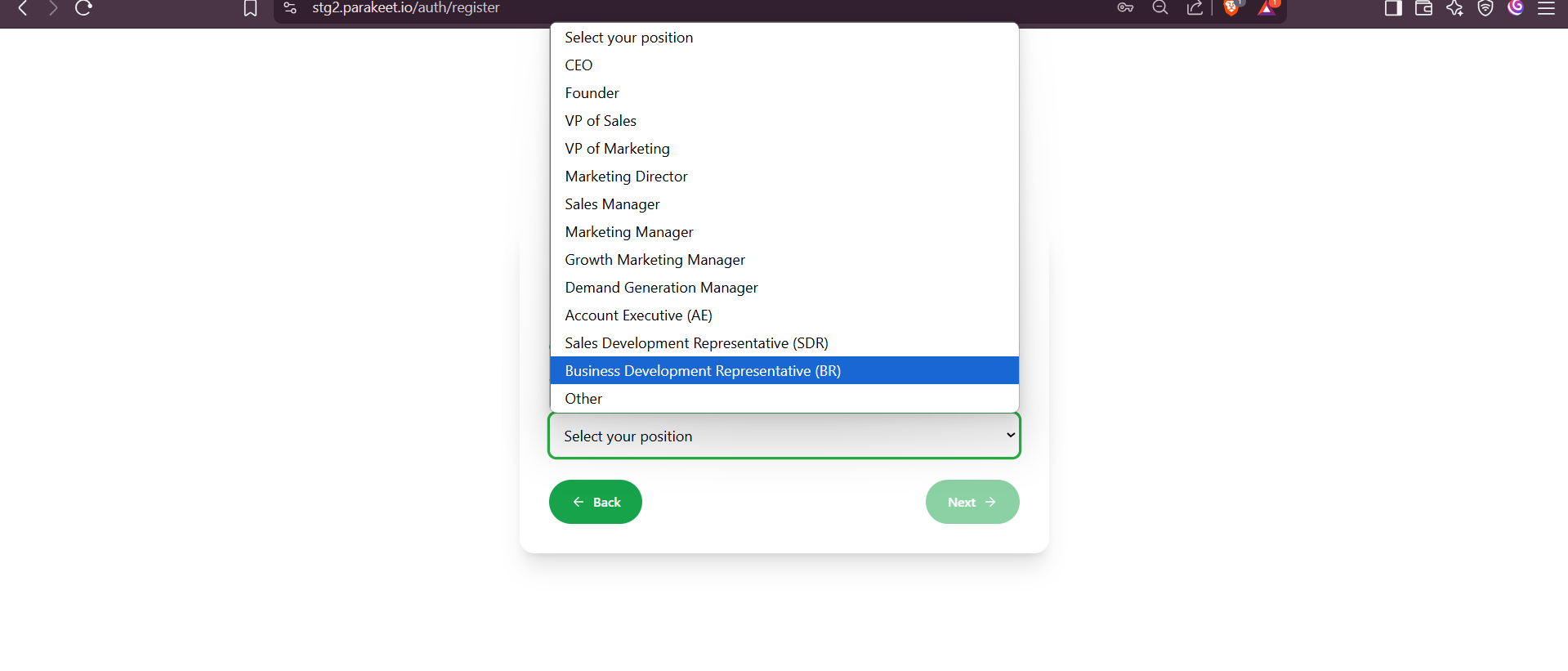
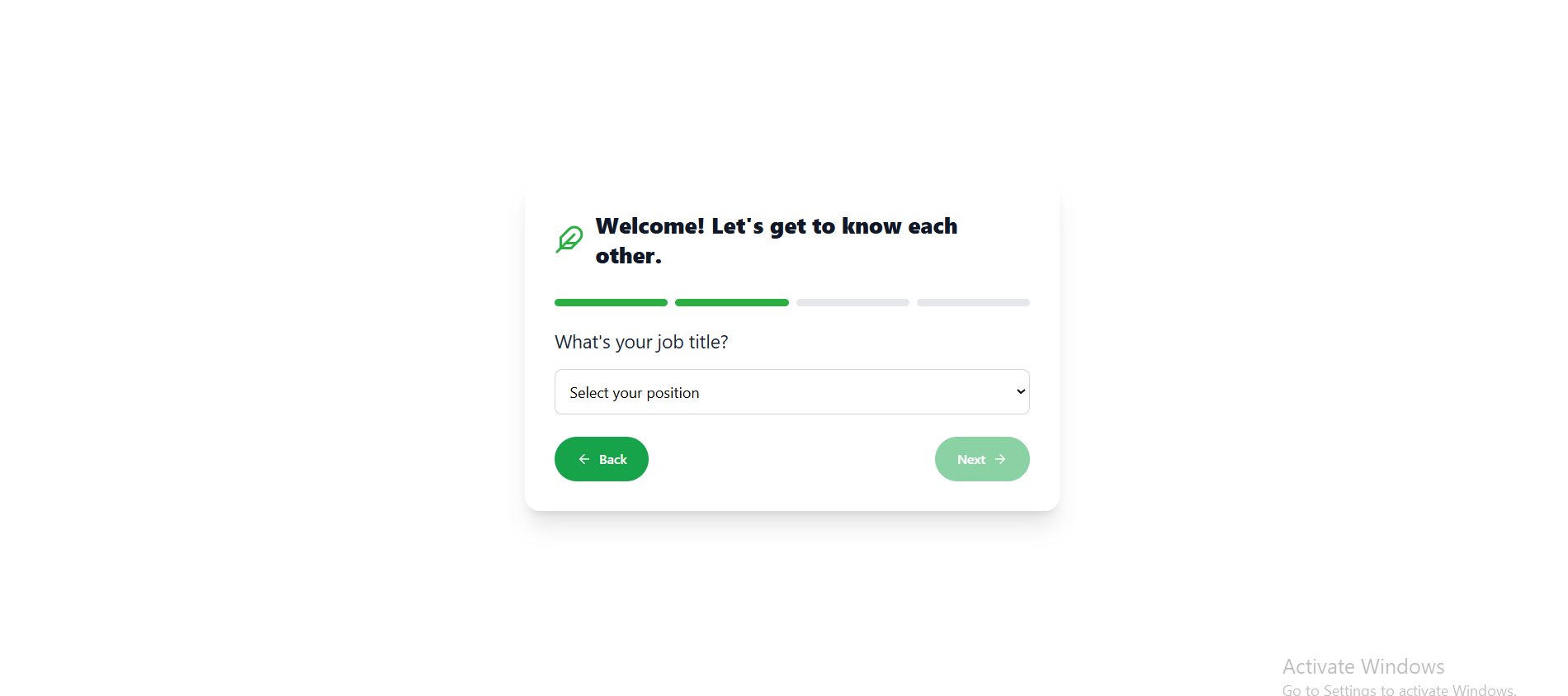
Q2: What is your job title?
Options:-
CEO
-
Founder
-
VP of Sales
-
VP of Marketing
-
Marketing Director
-
Sales Manager
-
Marketing Manager
-
Growth Marketing Manager
-
Demand Generation Manager
-
Account Executive (AE)
-
Sales Development Representative (SDR)
-
Business Development Representative (BDR)
-
Other (Manual Entry)
-
-
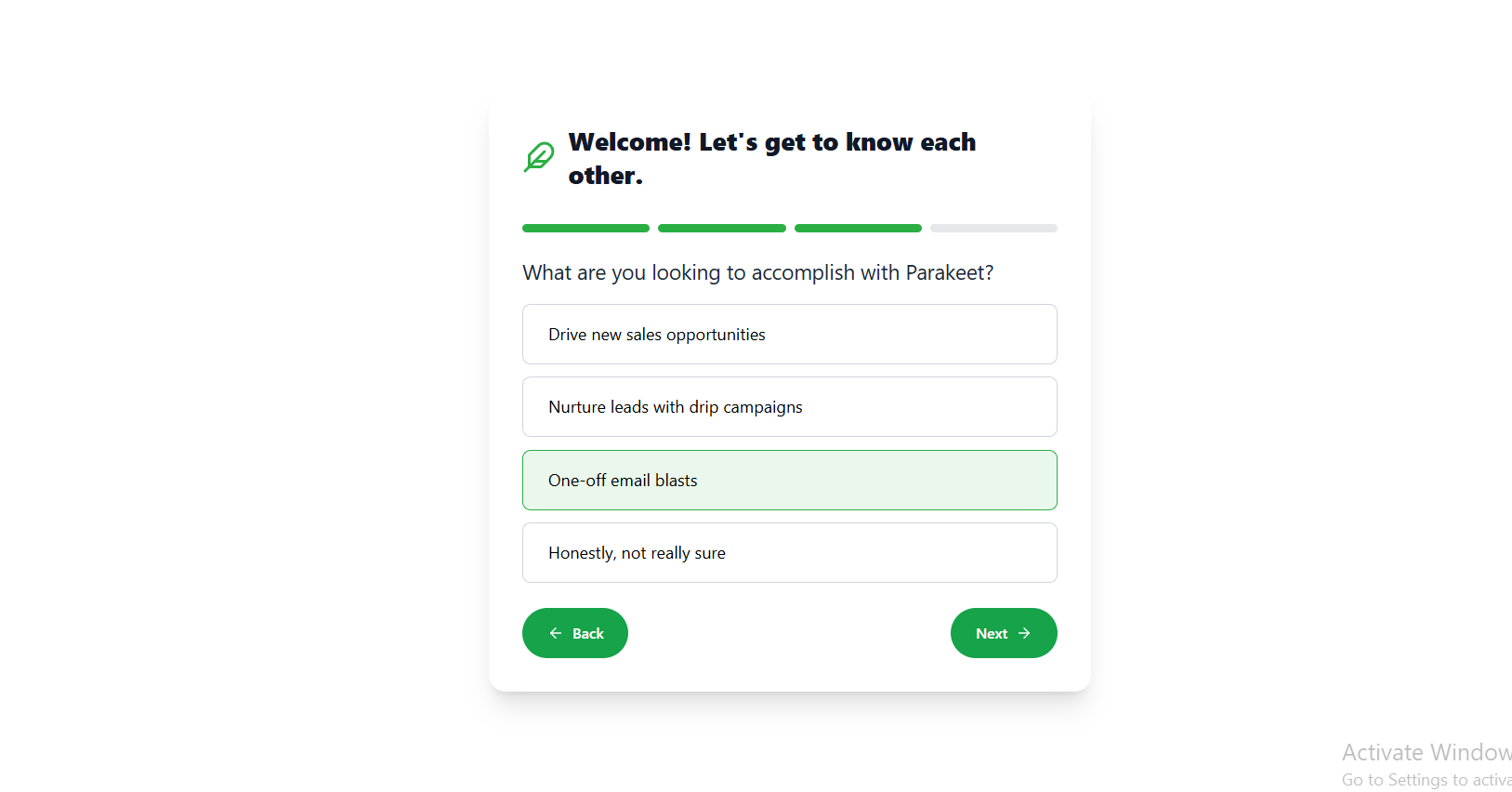
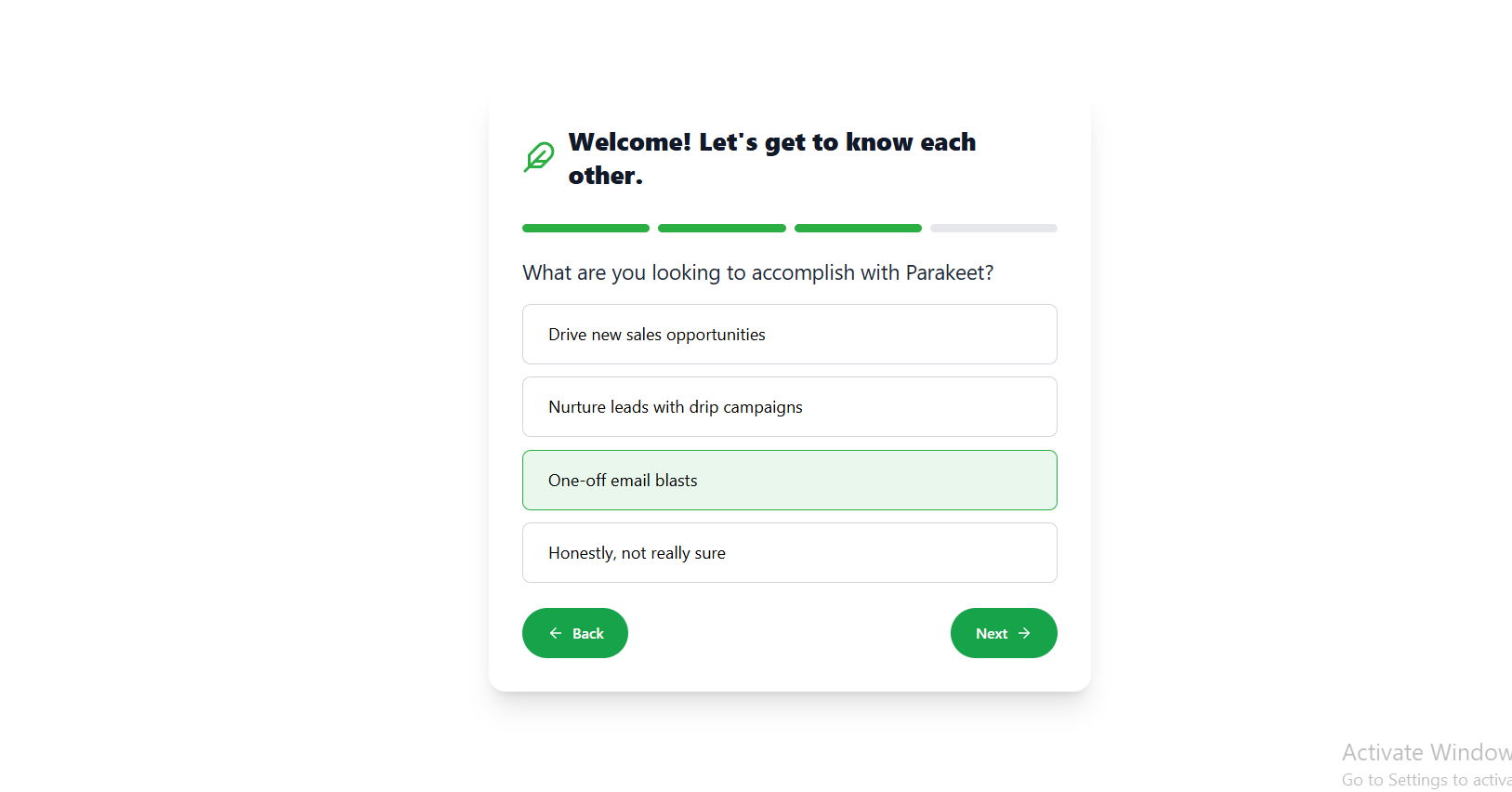
Q3: What are you looking to accomplish?
Options:-
Drive new sales opportunities
-
Nurture leads with drip campaigns
-
One-off email blasts
-
Not sure yet
-

Step 2: OTP Verification
-
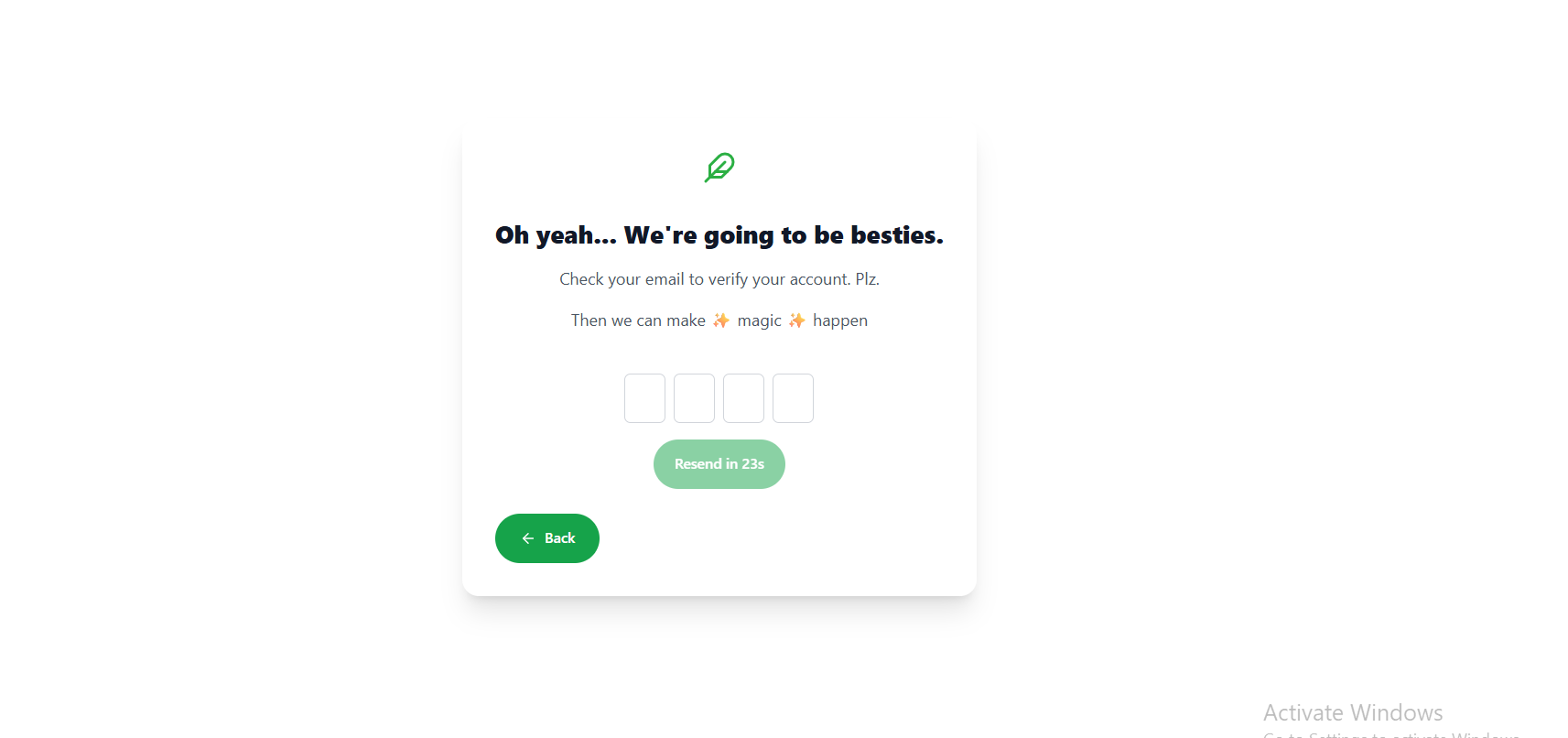
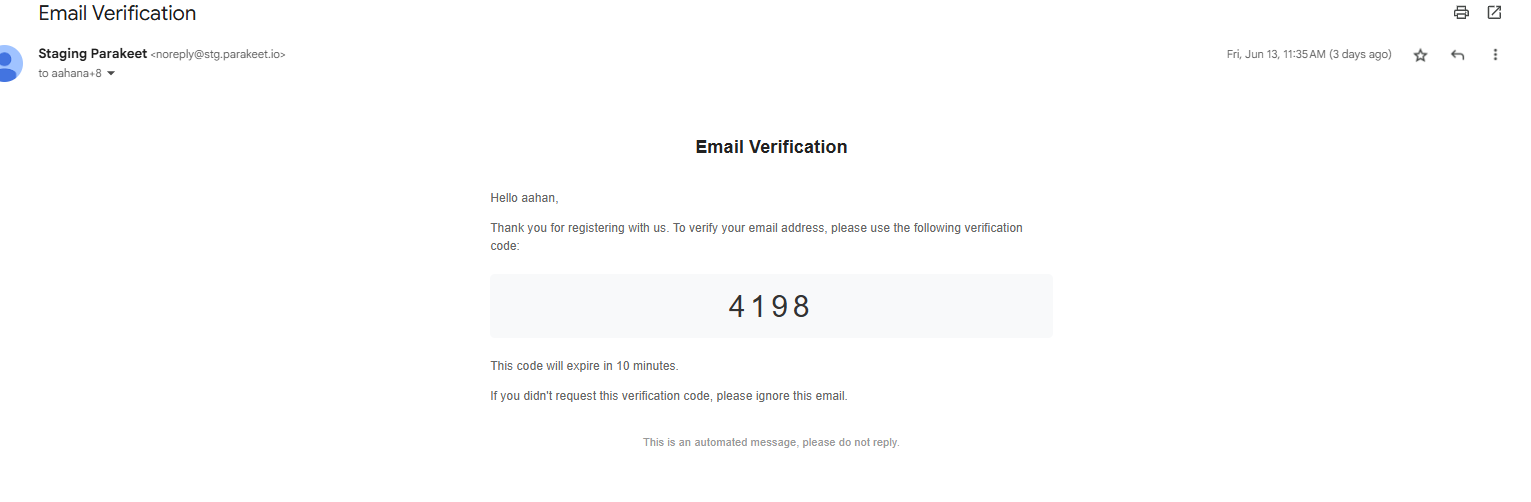
An OTP is sent to the email provided.
-
If OTP is correct → proceed to next step
-
If OTP is incorrect → option to retry or resend OTP
- Additionally the users are given an option to regenerate the OTP after 30 seconds
- Email is sent out in the following format

Step 3: Campaign Builder Prompt
User is greeted with a message encouraging them to start building their first campaign:
"Building a campaign from scratch can be tough. This should make it easy for you. Ready?"
Options:
-
"Let’s Go" → Launches the AI-powered campaign generation flow
-
"I’ll do it myself" → Redirects to dashboard/homepage


No comments to display
No comments to display